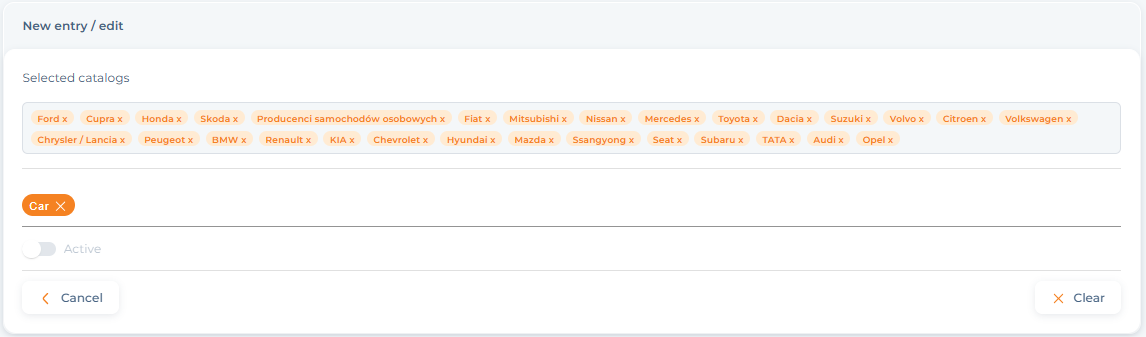
Our proprietary IDEAS analytical model measures brand visibility in five areas:
- Interactive – public posts and comments on social media in which the examined brand/project appears;
- Domestic – the brand’s own channels, including: company profiles on social media (integrated with IMM_Research), websites, company newsletters and podcasts reported for monitoring;
- Earned – journalistic publications in the press, radio, television and internet portals where the brand/project is mentioned;
- Advertising – brand advertisements and sponsored articles in the press, radio and television, and soon on Google and META (Facebook and Instagram);
- Sponsoring – brand mentions resulting from partnerships, patronage, sponsorship, and brand ambassadors.
Areas I, E, and A are automatically marked on the Platform by an algorithm. To ensure the system knows which mentions should be marked as D and S, the user should define these two IDEAS areas for each project/catalog being monitored. To do this, go to the MENU section in the upper right corner of the Platform and select IDEAS Configuration.
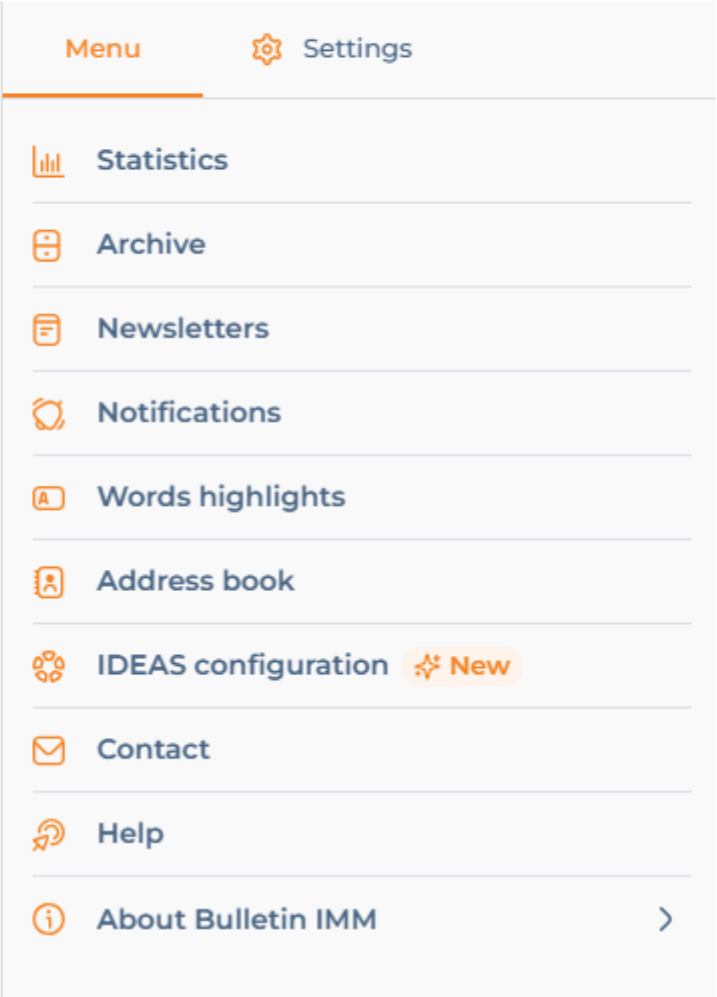
Domestic area configuration
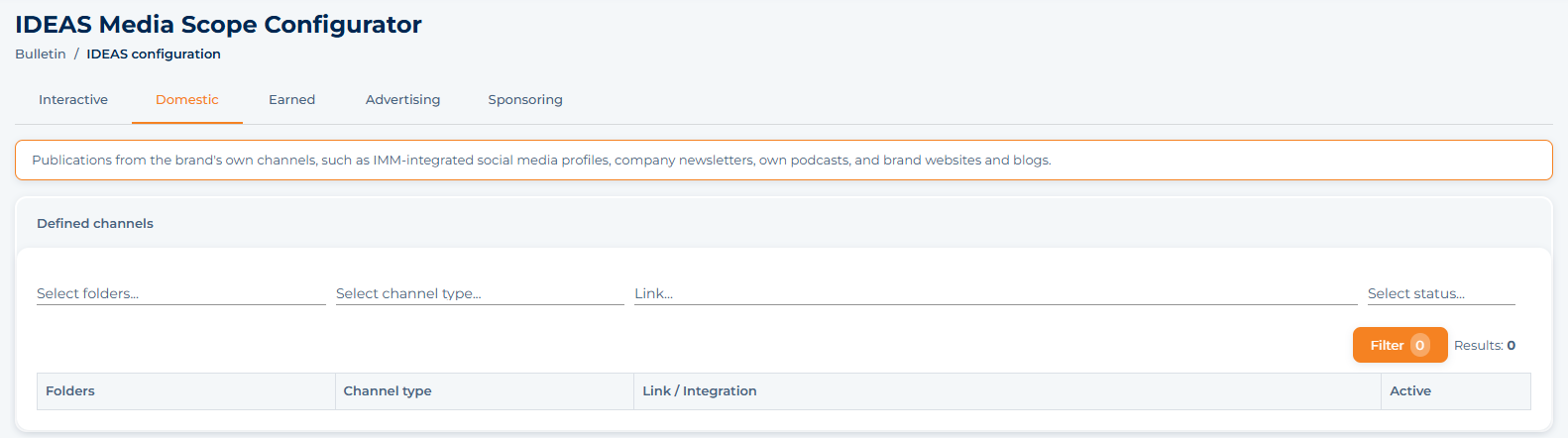
Click on Domestic and, from left to right, enter the following parameters for each directory in the project tree:

– channel type
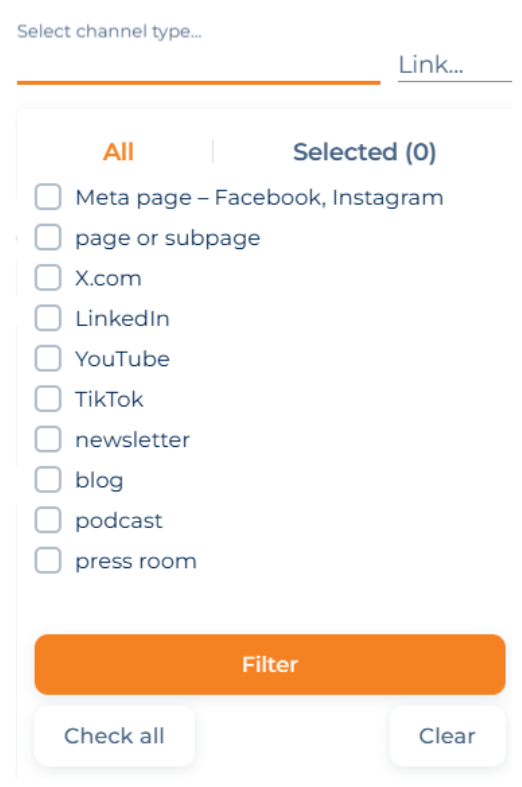
– link to channel
Domestic channels provided must be approved by our Platform administrator. Until approved, messages under current monitoring will not yet be marked as D. Once approved, the marking of messages will apply to information added since approval.
The status (active, inactive) is an indication of whether the channel has already been activated by our administrator.
Note – in the case of Meta profiles (Facebook, Instagram) it is required to integrate IMM_Research – instructions can be found on the website https://pomoc.imm.com.pl/knowledgebase/social-listening-en/
Sponsoring area configuration
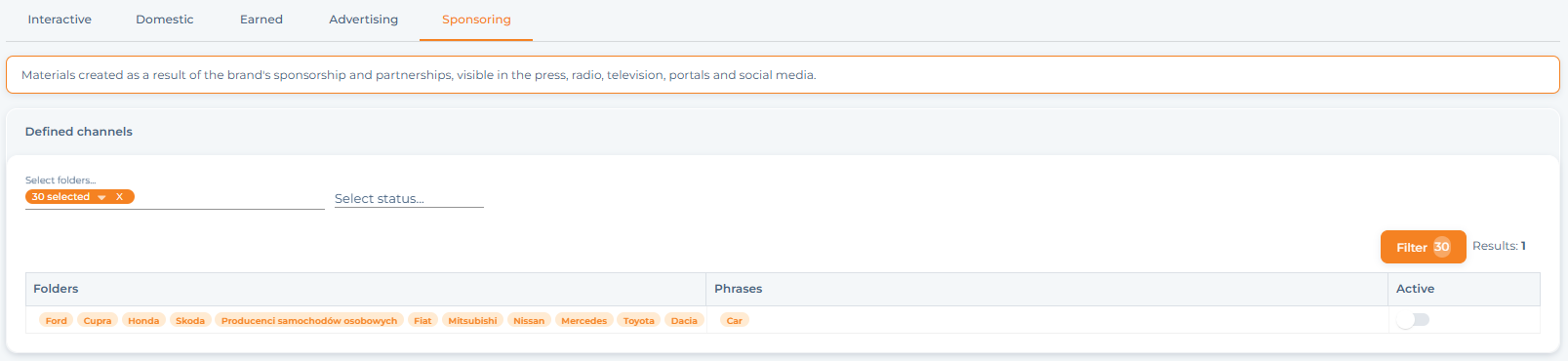
The configuration involves entering, for each catalog from the project tree, the phrases used in sponsored and partner materials – if material with these phrases appears in the catalog, it will be marked as S.
All phrases must be approved by the Platform administrator. Only after obtaining the “Active” status will the S marking appear next to new materials.